 English

An eSIM for South Korea is a digital data plan for the phone you already own. There is no physical SIM card, no airport lines, and no passport needed. Your plan is ready on your SIMAREA account before you even leave home.
It works safely alongside your normal SIM. You keep your own number for calls and important text messages. Your data goes through the SIMAREA plan. Just turn off data roaming on your home SIM to avoid high bills.
Every plan here uses more than one partner network. Your phone joins one when you arrive and can switch to another if the signal weakens.
If you stay longer, top up your current plan with more data. You do not need to buy a new one.
What it is not: a local phone number. If you need a number for verification codes, see virtual numbers.
South Korea eSIM on SK Telecom and LG Uplus
5GData in Korea from two of its networks, with 5G on every plan. Set the eSIM up at home: on all but the smallest plan, the days start at the first connection in Korea.
The unlimited plan is the day pass we feature for South Korea: after its daily full-speed allowance it keeps you connected at a lower speed, and it is billed per day for the days you choose. Fixed plans are one price for the term shown. Nothing on this page is an estimate.
How to get mobile data in South Korea
Install it at home before you go. Some plans here start counting at installation, so check the line under the price for the plan you pick.
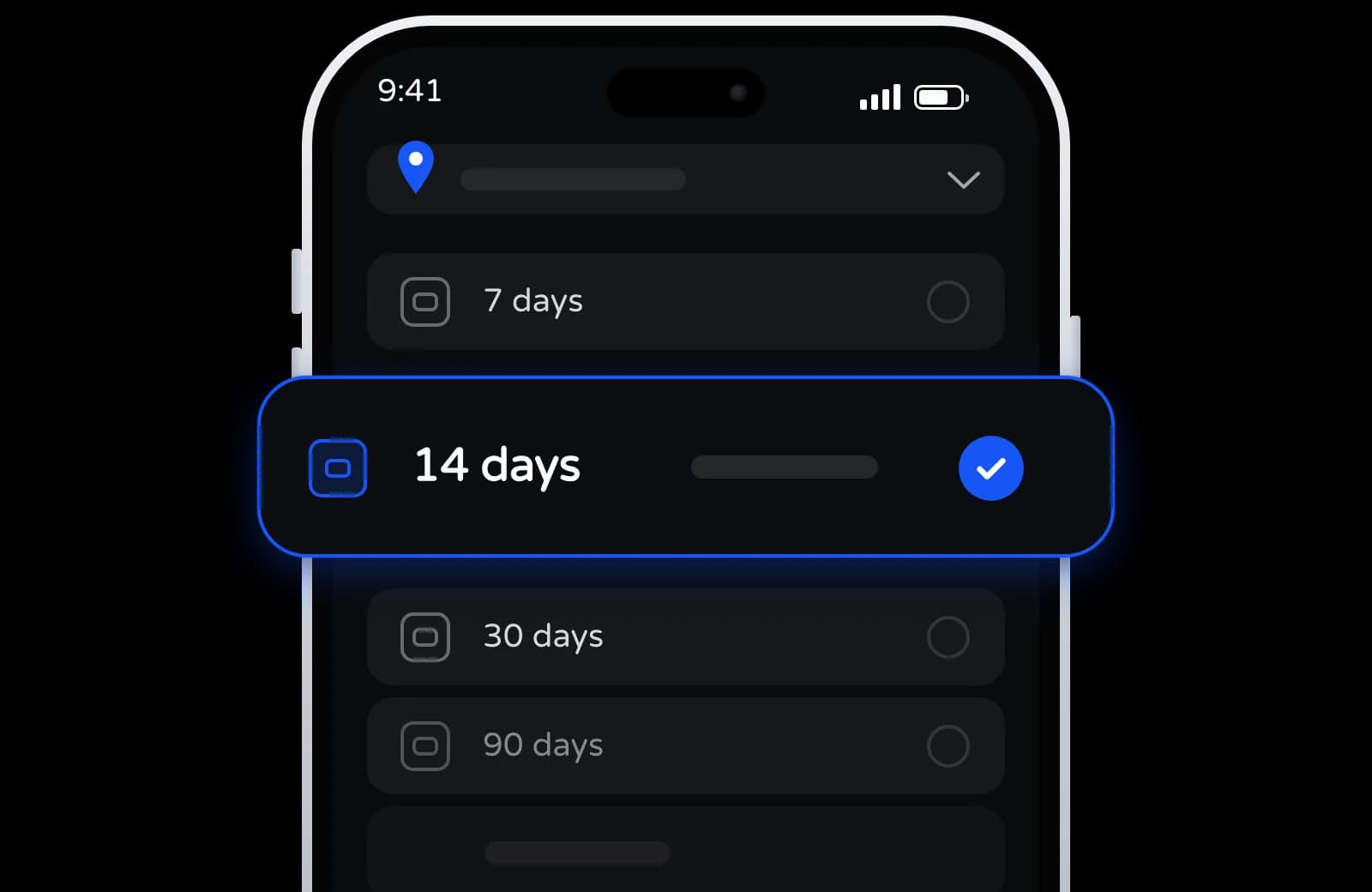
Pick eSIM plan
Choose how long you are there. The day pass is billed per day, so the term is yours to set.
Pay, then scan
Charged from your balance, which you top up with crypto. Your QR code is in your dashboard once the order is paid.
Turn it on when you arrive
Turn on data roaming for your SIMAREA plan when you arrive, and it joins a partner network.
What to know about an eSIM for South Korea
The specifics that decide whether a travel eSIM is useful once you're actually there.
More than one network
Every plan here lists more than one partner network. If one gets weak, your phone can switch to another.
Set up before you go
No SIM card store, no passport check. Install it at home, then turn on data roaming for it when you arrive.
Hotspot sharing
Share your internet with a laptop or a friend, if your plan and phone allow it.
Keep your own number
The eSIM is just for internet. Your normal SIM still receives calls and important bank codes. You can use both at once.
Keep using the same eSIM
Staying longer? Top up the same plan with more data from your dashboard. No need for a new QR code.
If it does not work
Not installed or connected yet? Ask for a refund within 30 days of buying it. Installed but not working on any of its networks? Support helps, and refunds you if it cannot be fixed.
eSIM Korea: SK Telecom and LG Uplus on every plan
Every South Korea plan on this page lists two Korean networks, SK Telecom and LG Uplus (LG U+), shown in the plan details as SKTelecom and LG Uplus. The phone joins one of them and can move to the other if the signal drops. To stay on one, switch off automatic network selection and choose it yourself.
Both networks are typed 5G in the catalog, and every Korea plan sold here allows 5G. In practice you get 5G where SK Telecom or LG Uplus has it and LTE in other places. One plan covers the whole country, Seoul to Busan and the islands, wherever either network reaches.
Korea travel eSIM: plans for 7, 15 or 30 days
Fixed Korea plans last 7, 15 or 30 days and hold from 100 MB to 50 GB. None runs past a month; for a longer stay, top up the same eSIM.
A long weekend in Seoul
Seven-day plans come in 100 MB, 500 MB and 1 GB. The 100 MB plan's days start at installation, so install it on the day you fly; every other Korea plan starts at the first connection in Korea. For subway routes, maps and messages over a few days in Seoul, start from the 1 GB plan; if you'll lean on hotel and café Wi-Fi, the 500 MB plan is the lighter option.
Seoul, Busan and Jeju in two weeks
The 15-day plans have 2 GB or 3 GB. Travel days on the KTX, with navigation, train tickets and hotel bookings open, use more data than days spent in one neighborhood. If you're unsure, a 30-day plan from 3 GB up gives a longer window, and any plan can take a top-up.
A semester or a working month
The 30-day plans come in 3, 5, 10, 20 and 50 GB. For a semester at a Korean university, start with one and top it up each month on the same eSIM. With a laptop on your phone's hotspot, if your plan and phone allow it, look at the 20 GB and 50 GB sizes.
Unlimited data in Korea: how the day pass works
The Korea day pass is this page's answer to "unlimited": 1 GB a day at full speed on SK Telecom or LG Uplus, then 1 Mbps until the day resets. You choose how many days in the picker, the first connection in Korea starts them, and if you stay longer you can top the pass up.
It suits days you'd rather not measure, such as a day of translation, map searches and photo uploads between Myeongdong and Hongdae: past the first gigabyte you stay online at 1 Mbps instead of running out. For long video calls at full speed, a 30-day plan with a larger pool fits better.
For a trip of about ten days, weigh the pass against the 15-day plans. Ten days of the pass give you a gigabyte at full speed each day, with a slower connection after it. A 15-day plan of 2 GB or 3 GB gives one pool for the whole stay, with no daily cap, and stops when it's used up unless you top it up.
Why Korean sites see a Singapore IP
Every Korea plan here, the day pass included, exits in Singapore. You're connected to a Korean network, but the internet sees a Singapore IP address. Apps that don't check your location behave the same either way. One that does, such as a Korean bank, a ticketing site or a streaming service, sees a foreign address and may ask you to verify or limit what it shows.
No plan on this page exits in Korea. Before you pay, check the IP address of the plan you select under Technical specs, or ask support, which answers 24/7.
South Korea with Japan or more of Asia
A Korea plan works only in South Korea. If the trip continues to Japan, China or elsewhere in Asia:
- Asia eSIM: every Asia plan that includes South Korea also includes Japan, Hong Kong and mainland China, and the longest of them run 180 days. In Korea these plans use SK Telecom only, and traffic exits in Hong Kong, or in the UK or Norway, depending on the plan.
- Global 130: every plan includes South Korea on SK Telecom, together with Japan, Taiwan and much of Europe and the Americas, with terms up to 365 days.
After you select one, the Coverage row under Plan details lists every country on it. If Japan is a separate leg of the trip, the Japan eSIM page sells plans for Japan alone.
South Korea eSIM questions
Does a Korea eSIM come with a Korean phone number?
No. It's data only: no +82 number, no calls and no SMS, and your own SIM keeps your home number for texts. Numbers rented by the term are on the virtual numbers page, for the countries listed there. A rented number doesn't replace a number in your own name for a Korean bank or government service.
Which network will my phone use in Korea?
SK Telecom or LG Uplus, whichever your phone picks; both are on every plan here. You can fix it on one by choosing it manually in the network settings. The Asia and Global 130 plans, by contrast, use SK Telecom alone in Korea.
Does it work on Jeju Island?
Yes. Jeju is part of South Korea and a Korea plan isn't divided by region, so you have data there wherever SK Telecom or LG Uplus has signal.
Can I use the same eSIM in Japan?
Not with a Korea plan: it has no network in Japan. For a trip through both, an Asia plan that lists South Korea also lists Japan. Or add a Japan plan as a second eSIM and switch your data line when you land.
How long do Korea plans last, and can I extend one?
Fixed plans run 7, 15 or 30 days, and the day pass runs for the days you choose. Each one tops up on the same eSIM, so staying longer doesn't mean a new QR code. For one term longer than a month, the Asia plans that include Korea go to 90 or 180 days.
Can I buy a Korea eSIM months before the trip?
Yes. An unused Korea plan stays valid for 180 days from purchase, and on every plan but the 7-day 100 MB the days wait for the first connection in Korea. If your dates aren't fixed, keep it uninstalled for now: only an eSIM that hasn't been installed or connected can be refunded, on request, within 30 days.
What if the eSIM has no signal when I land at Incheon?
Open your phone's cellular settings, set the SIMAREA eSIM as the data line and allow roaming on it. Then choose SK Telecom or LG Uplus by hand. If neither connects, contact support while the plan is valid: they'll fix the problem, or refund the eSIM if it can't work on either network.
Invite Friends. Earn 7% on Every Deposit.
Every time a friend tops up, you get 7% of it. For life, not just once.

The SIMAREA app is on its way
Check your data, top up and manage every eSIM from your phone.
Get your Korea eSIM set up before you fly
SK Telecom and LG Uplus with 5G on every plan. Continuing to Japan? An Asia plan that includes Korea covers it too.