 English

An eSIM for Uzbekistan is a digital data plan for the phone you already own. There is no physical SIM card, no airport lines, and no passport needed. Your plan is ready on your SIMAREA account before you even leave home.
It works safely alongside your normal SIM. You keep your own number for calls and important text messages. Your data goes through the SIMAREA plan. Just turn off data roaming on your home SIM to avoid high bills.
Coverage comes from Beeline, the one network these plans use. Your phone connects to it when you arrive.
If you stay longer, top up your current plan with more data. You do not need to buy a new one.
What it is not: a local phone number. If you need a number for verification codes, see virtual numbers.
Uzbekistan eSIM
Data plans for your trip
The unlimited plan is the day pass we feature for Uzbekistan: after its daily full-speed allowance it keeps you connected at a lower speed, and it is billed per day for the days you choose. Fixed plans are one price for the term shown. Nothing on this page is an estimate.
How to buy and install an Uzbekistan eSIM
Install it at home before you go. Some plans here start counting at installation, so check the line under the price for the plan you pick.
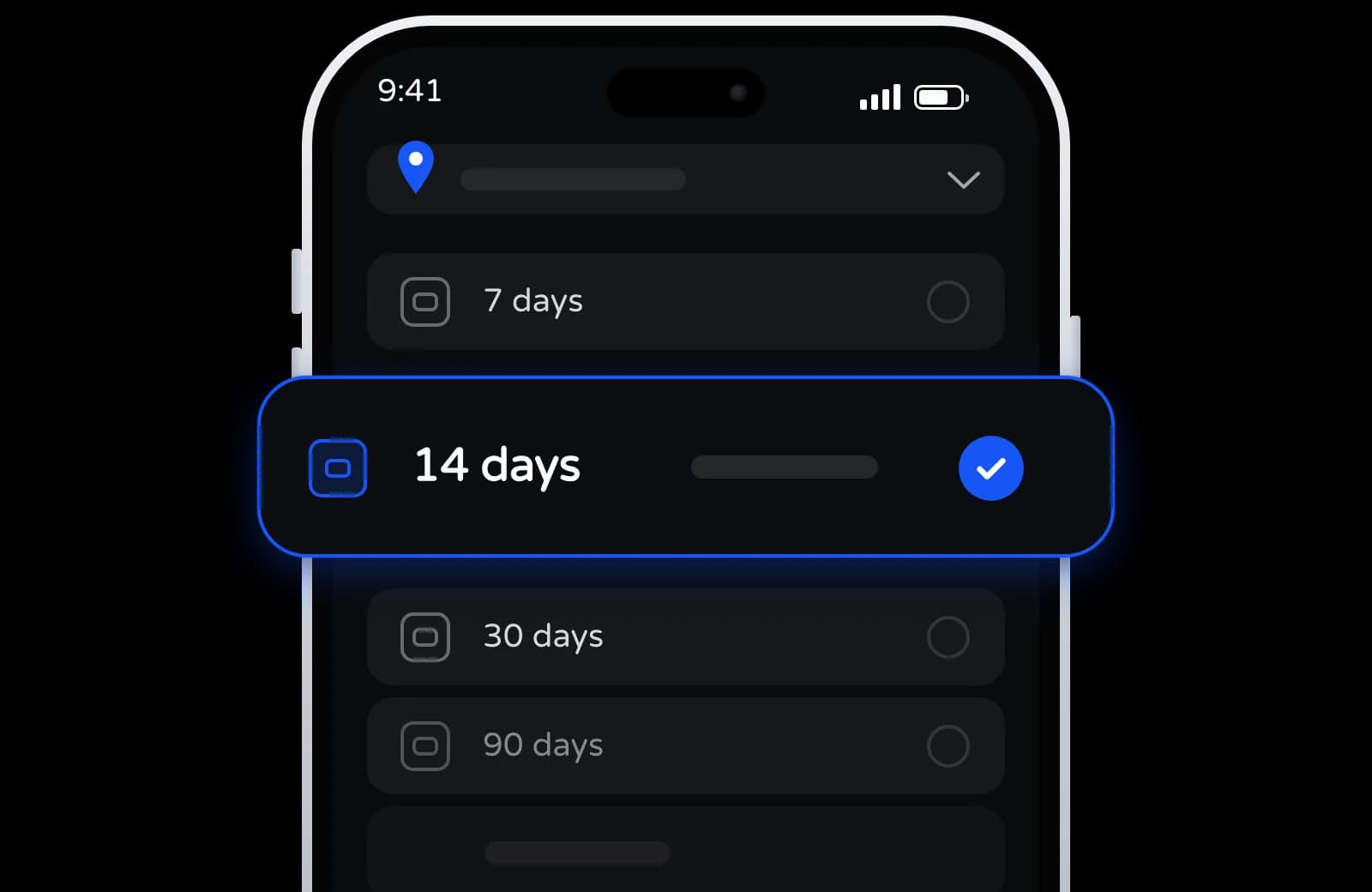
Pick eSIM plan
Choose how long you are there. The day pass is billed per day, so the term is yours to set.
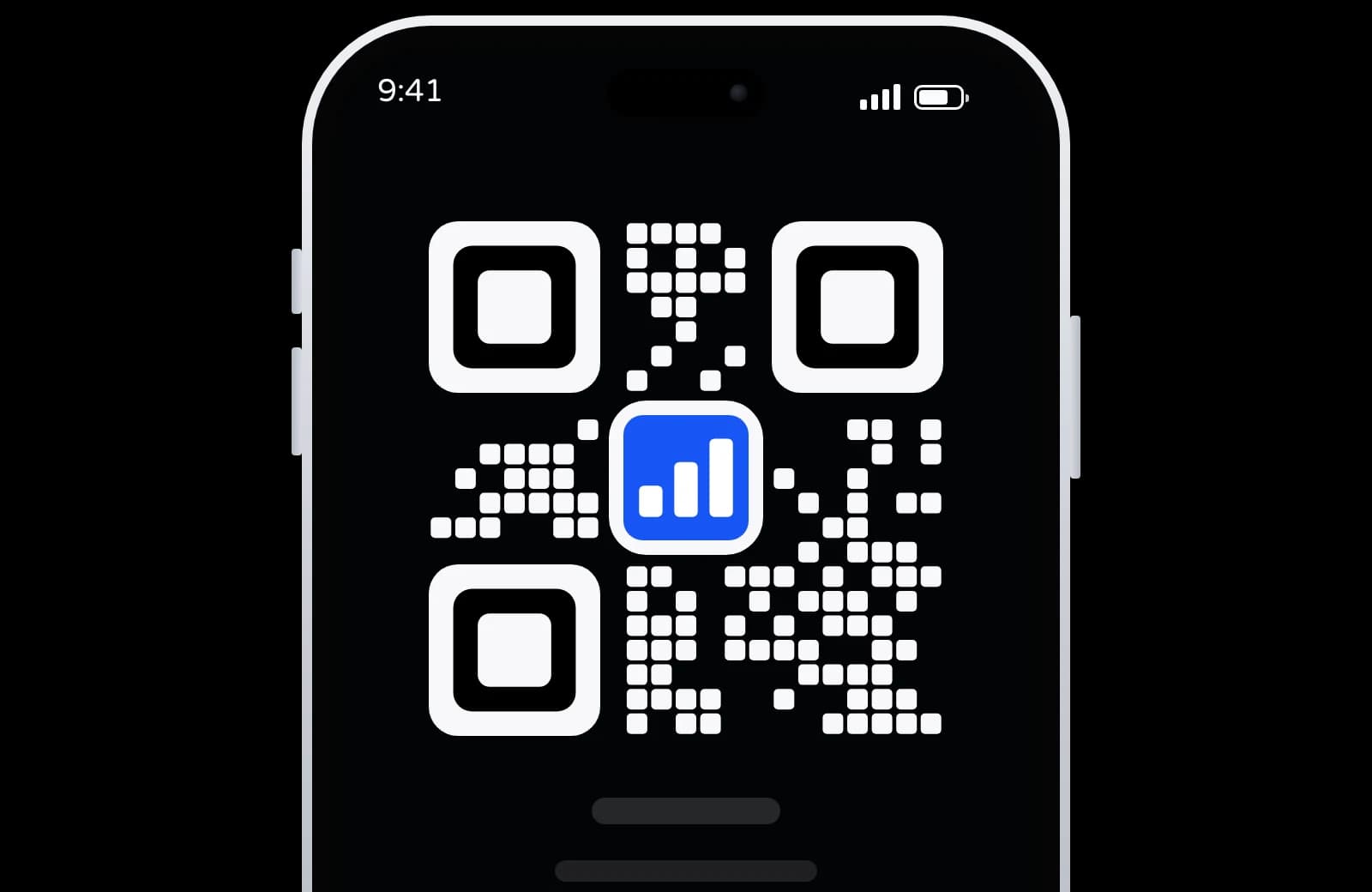
Pay, then scan
Charged from your balance, which you top up with crypto. Your QR code is in your dashboard once the order is paid.
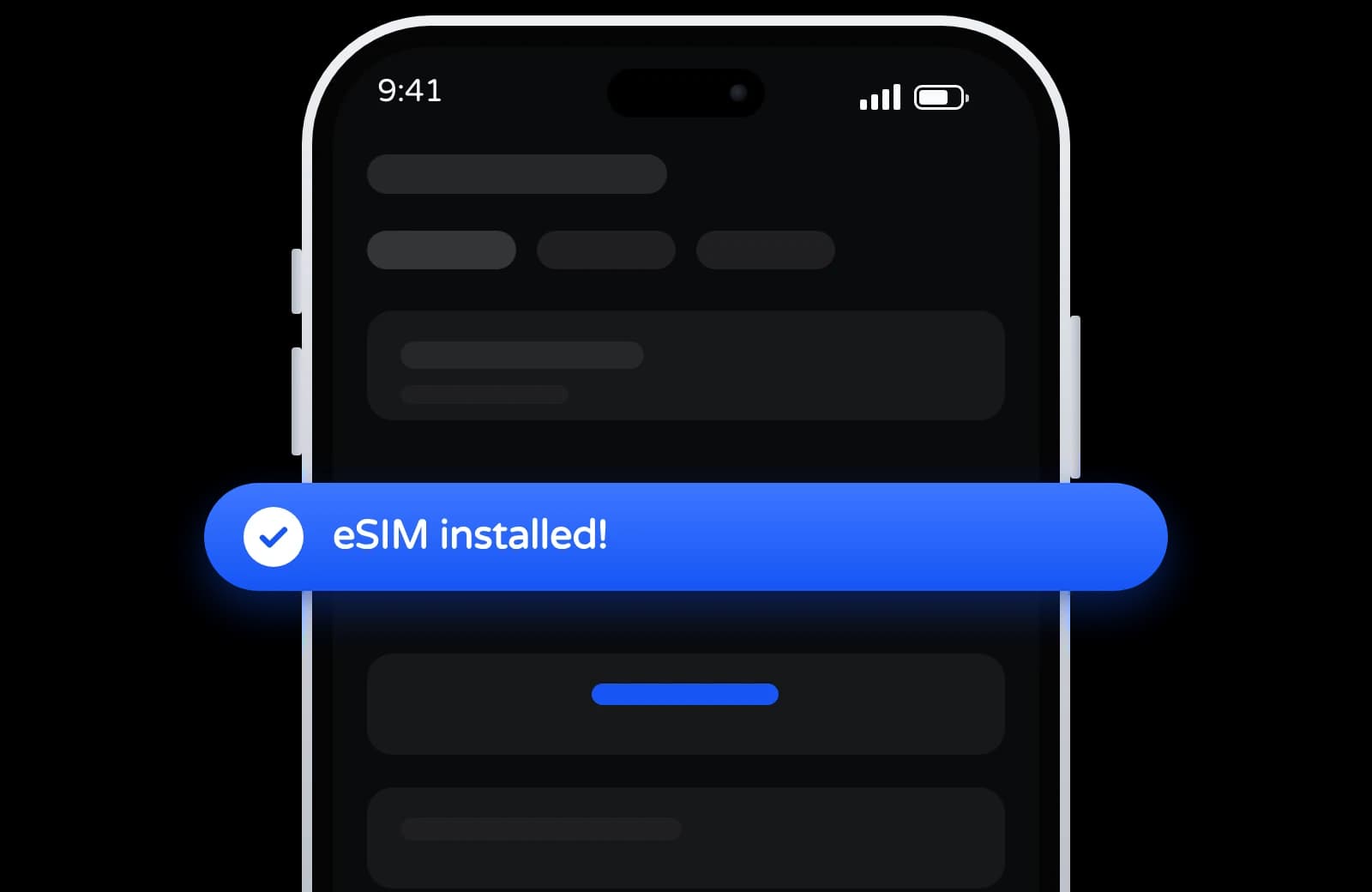
Turn it on when you arrive
Turn on data roaming for your SIMAREA plan when you arrive, and it joins a partner network.
Uzbekistan eSIM: networks and plans
Read from the plans on sale for Uzbekistan right now.
Networks in Uzbekistan
Plans for Uzbekistan run on one network: Beeline. All 4G/LTE; no plan here confirms 5G yet.
Fixed plans and a day pass
Fixed plans: 100 MB to 20 GB of data for 7 to 30 days. Day pass: 1 GB a day at full speed, then 512 Kbps until the day resets.
When your days start
Some plans start counting at the first connection in Uzbekistan, others when you install them. Each plan says which.
More data or more days
Every plan here can be topped up on the same eSIM, so a longer stay needs no new QR code.
Where your traffic exits
Every plan here routes traffic through the United Kingdom, so your IP address is not in Uzbekistan. Apps that check your location see that.
Need an Uzbekistan number too?
This eSIM is data only, with no Uzbekistan number. For a number that receives SMS, see virtual numbers.
Using an eSIM in Uzbekistan: Top Questions
How do I get online when I arrive?
Install your eSIM before your trip, then turn on data roaming for it when you arrive. Your phone joins one of the plan’s partner networks.
Which networks does the Uzbekistan eSIM use?
Plans here connect to Beeline.
Is 5G included, or do I pay extra?
Plans here run on 4G/LTE; 5G is not confirmed on any of them yet.
Which country will my IP address be in?
Traffic routes through the United Kingdom, so websites see an IP there rather than in Uzbekistan. Banking and streaming apps can notice the difference.
How long do Uzbekistan eSIM plans last?
From 7 to 30 days.
An unused plan stays valid for 180 days after you buy it.
Will I still get my bank codes?
Yes. The eSIM only handles your internet. Your regular SIM still handles calls and texts, so you will get your bank codes. Just turn off data roaming on your regular SIM to avoid extra charges.
What if I stay longer on my trip?
Every plan here can be topped up with more data on the same eSIM. No new QR code.
A fixed plan stops when its data is used up; the day pass slows down after its daily allowance until the day resets. You will never get a surprise bill.
Do I need a passport to register?
No. Unlike local SIM cards, you do not need an ID or passport. Your eSIM is linked to your SIMAREA account before you leave home.
Invite Friends. Earn 7% on Every Deposit.
Every time a friend tops up, you get 7% of it. For life, not just once.

The SIMAREA app is on its way
Check your data, top up and manage every eSIM from your phone.
Mobile data in Uzbekistan on an eSIM you install at home.
Create a free account, pick a destination, and install the eSIM before you set off.