 English

An eSIM for South Africa is a digital data plan for the phone you already own. There is no physical SIM card, no airport lines, and no passport needed. Your plan is ready on your SIMAREA account before you even leave home.
It works safely alongside your normal SIM. You keep your own number for calls and important text messages. Your data goes through the SIMAREA plan. Just turn off data roaming on your home SIM to avoid high bills.
Every plan here uses more than one partner network. Your phone joins one when you arrive and can switch to another if the signal weakens.
If you stay longer, top up your current plan with more data. You do not need to buy a new one.
What it is not: a local phone number. If you need a number for verification codes, see virtual numbers.
Travel eSIM for South Africa on Vodacom, MTN, Cell C and Telkom
Mobile data in South Africa with four networks on every plan, as a daily gigabyte or 7 to 30 days of fixed data. Adding Botswana or Zambia to the trip? Both are on the Africa plans.
The unlimited plan is the day pass we feature for South Africa: after its daily full-speed allowance it keeps you connected at a lower speed, and it is billed per day for the days you choose. Fixed plans are one price for the term shown. Nothing on this page is an estimate.
How to get mobile data in South Africa
Install it at home before you go. Some plans here start counting at installation, so check the line under the price for the plan you pick.
Pick eSIM plan
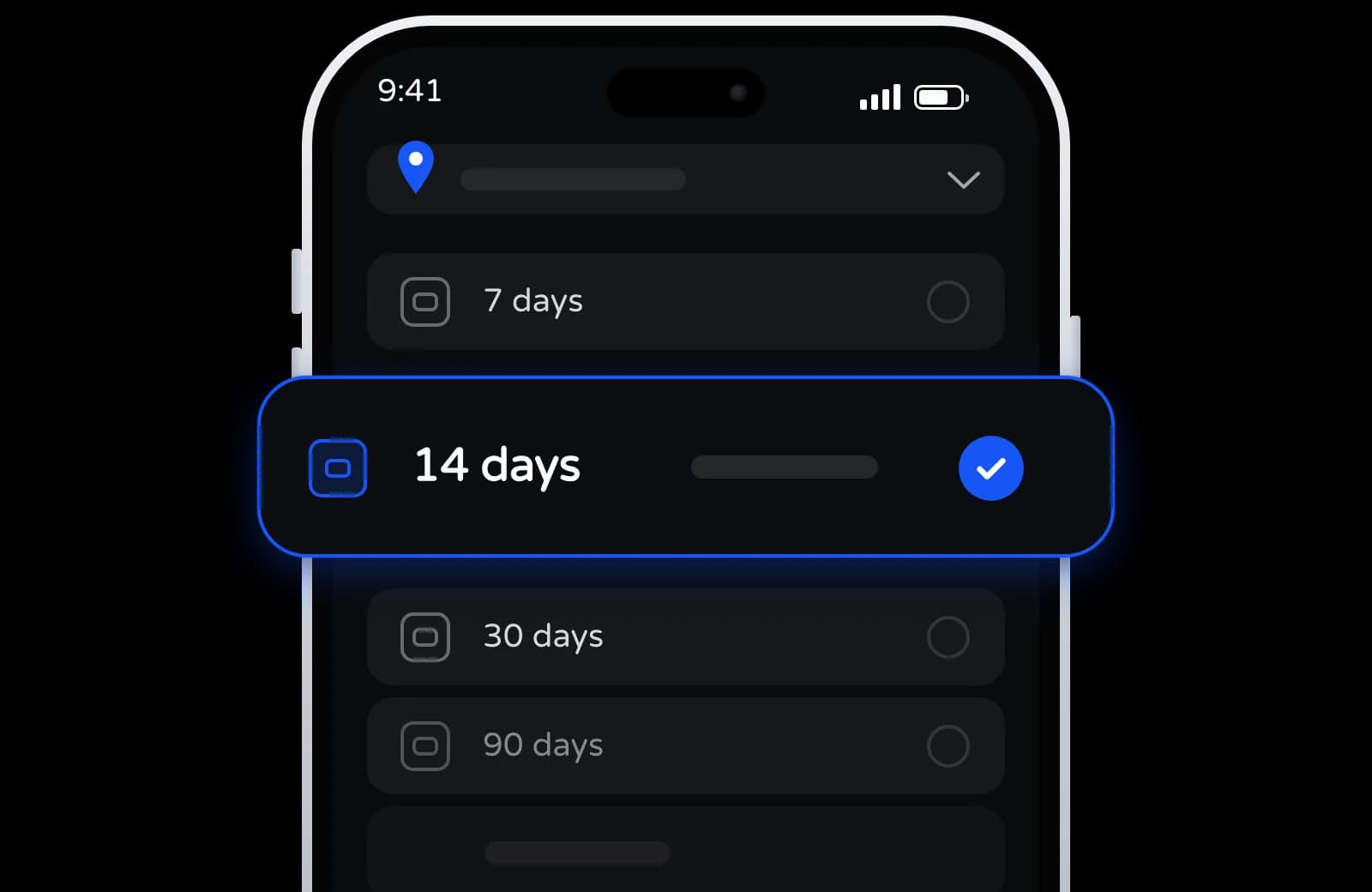
Choose how long you are there. The day pass is billed per day, so the term is yours to set.
Pay, then scan
Charged from your balance, which you top up with crypto. Your QR code is in your dashboard once the order is paid.
Turn it on when you arrive
Turn on data roaming for your SIMAREA plan when you arrive, and it joins a partner network.
What to know about an eSIM for South Africa
The specifics that decide whether a travel eSIM is useful once you're actually there.
More than one network
Every plan here lists more than one partner network. If one gets weak, your phone can switch to another.
Set up before you go
No SIM card store, no passport check. Install it at home, then turn on data roaming for it when you arrive.
Hotspot sharing
Share your internet with a laptop or a friend, if your plan and phone allow it.
Keep your own number
The eSIM is just for internet. Your normal SIM still receives calls and important bank codes. You can use both at once.
Keep using the same eSIM
Staying longer? Top up the same plan with more data from your dashboard. No need for a new QR code.
If it does not work
Not installed or connected yet? Ask for a refund within 30 days of buying it. Installed but not working on any of its networks? Support helps, and refunds you if it cannot be fixed.
Travel eSIM for South Africa: four networks on one plan
Each South Africa plan here, the day pass and all eight fixed plans, lists Vodacom, MTN, Cell C and Telkom. Your phone joins one of them and can move to another. On a long drive where the signal fades, say between towns on the Garden Route, open the mobile network settings, turn off automatic selection and try a different one.
The plans run on 3G and 4G; none is marked 5G. The Africa and Global 130 plans list the same four networks in South Africa and mark MTN as 5G.
Crossing into Botswana, Eswatini or Zambia
A South Africa plan works in South Africa only. For a trip beyond it, the Africa eSIM and Global 130 both list South Africa together with:
- Botswana, for the Okavango Delta or Chobe,
- Eswatini, a short drive from the southern end of Kruger,
- Zambia, for Victoria Falls from the Livingstone side.
Not on either list: Namibia, Lesotho, Zimbabwe and Mozambique. A self-drive to Windhoek or a night in Victoria Falls town on the Zimbabwe side needs coverage of its own.
The Africa plans last 7 days (1 GB) or 30 days (3 GB or 5 GB) across 29 countries; Global 130 runs from 7 to 365 days. Both exit in the UK or Norway.
South Africa eSIM questions
Why do websites think I'm in France or Germany?
Every South Africa plan exits through France or Germany (FR/DE in the catalog), so sites see a European IP address. Maps and messaging don't mind; a South African bank app or a streaming service's local library might.
Is the 15-day plan enough for a two-week road trip?
It holds 3 GB, the one size sold for 15 days: enough for maps, messages and some photos. A self-drive that streams music or navigation all day uses more, so look at a 30-day plan of 5, 10 or 20 GB, or the day pass at 1 GB a day. The trip data calculator works it out from your own habits.
Is there an unlimited day pass for South Africa?
The day pass doesn't run out, but its fast part does: 1 GB a day at full speed, then 512 Kbps until the day resets. You set the number of days when you buy it.
When do the days start?
At the first connection in South Africa for eight of the nine plans, so you can install at home. The 100 MB week is the exception and starts at installation. Unused, any plan stays valid for 180 days.
Does the eSIM come with a South African number?
No. It's data only, with no calls or SMS. Keep your usual SIM switched on for texts and turn off its data roaming so the eSIM carries the data.
What if none of the four networks connects?
Try each one by hand in the network settings, with data roaming on for the eSIM. If none gives you data, tell support, open 24/7: an eSIM that works on no supported network in South Africa is fixed or refunded. Under the refund policy, a plan never installed or connected is refundable on request within 30 days of purchase.
Invite Friends. Earn 7% on Every Deposit.
Every time a friend tops up, you get 7% of it. For life, not just once.

The SIMAREA app is on its way
Check your data, top up and manage every eSIM from your phone.
Pick your South Africa eSIM
Choose the day pass or a fixed plan on four networks, then install it with the QR code from your account.